iRobot
How to Fix Error 3 Charging in the iRobot Roomba Vacuum Cleaner

- Error: Error Three (3) Charging
- Description: A charging failure has been detected. Please try charging again. Check for liquid damage.
- Cause:
- Solution: Restart the robot and check for liquid damage.
Introduction
The iRobot Roomba vacuum cleaner is an innovative device that has revolutionized the way we keep our homes clean. However, like any other appliance, it can encounter errors and technical issues. One of the most common errors that users may encounter is Error Three (3) Charging. In this article, we will explore this error in detail and provide a step-by-step guide on how to fix it.
Error Three (3) Charging: Description and Cause
Error Three (3) Charging in the iRobot Roomba vacuum cleaner indicates that a charging failure has been detected. This error can occur for various reasons, such as connection problems, damage to the charging cable, or even liquid damage to the robot or charging base.
Solution for Error Three (3) Charging
Below is a step-by-step guide on how to fix Error Three (3) Charging in the iRobot Roomba vacuum cleaner:
- Restart the robot: The first step to fix this error is to restart the robot. To do this, follow these steps:
- Place the robot on the charging base and ensure it is properly connected.
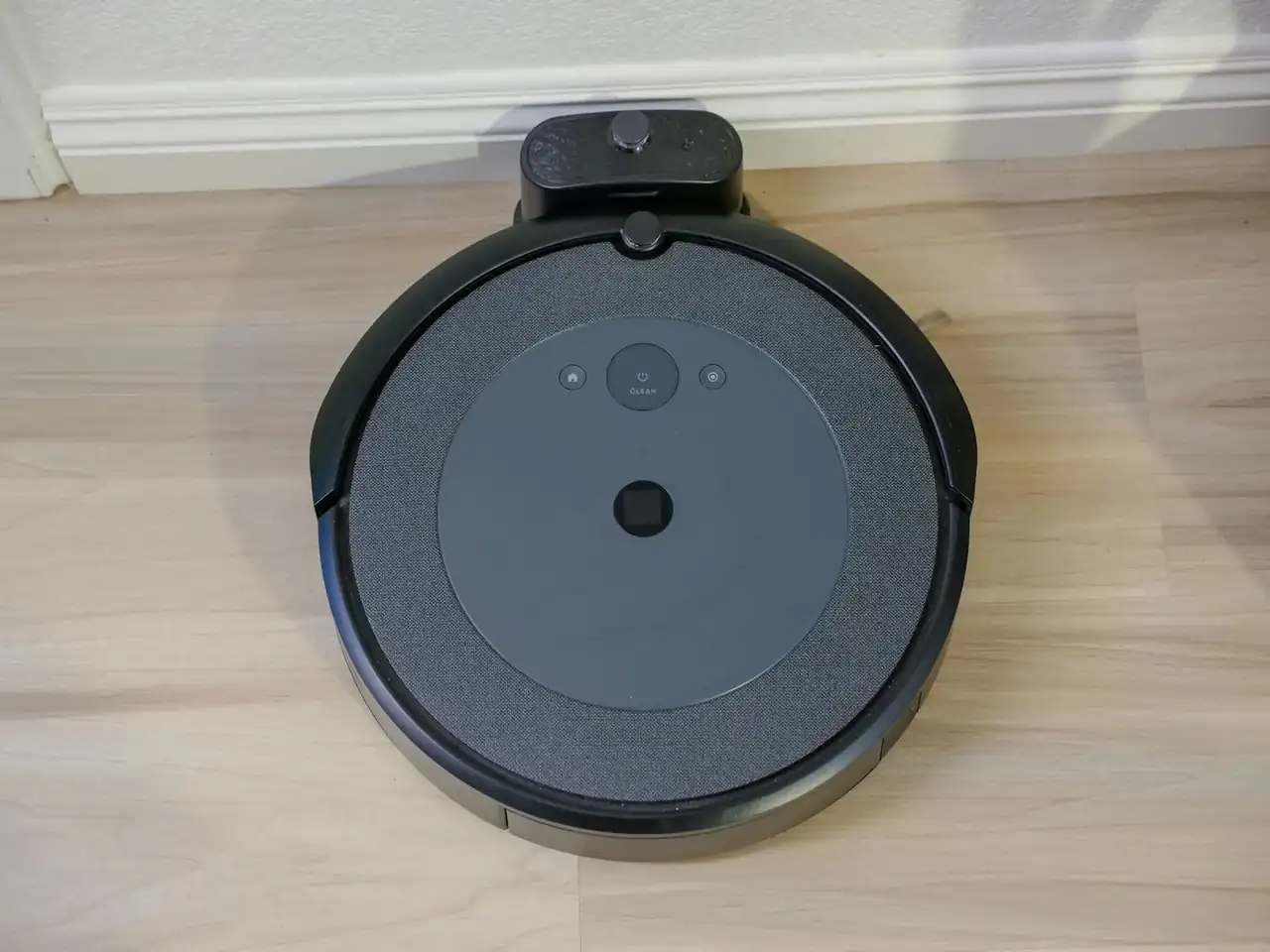
- Press and hold the “CLEAN” button on the robot for at least 10 seconds.
- The robot will restart and should attempt to charge again.
- Check for liquid damage: If the error persists after restarting the robot, it is important to check for liquid damage to the robot or charging base. Liquid damage can interfere with the charging process and cause this error. To check for liquid damage, follow these steps:
- Carefully inspect the robot and charging base for signs of spilled or leaked liquid.
- If you find any liquid damage, carefully clean the affected area with a dry cloth and ensure it is completely dry before attempting to charge the robot again.
- Check the connection: Ensure that the charging cable is properly connected to both the robot and the charging base. Check for any obstructions in the connectors and ensure they are clean. If necessary, disconnect and reconnect the charging cable to ensure it is securely connected.
- Contact customer service: If the error persists after following the above steps, it is recommended to contact the iRobot Customer Service team. They will be able to provide additional assistance and resolve any technical issues you may be experiencing. Make sure to have the following information on hand before contacting customer service:
- The robot charged and near you.
- The serial number of the robot.
- Proof of purchase (receipt or invoice from an authorized dealer) in case of warranty claims.
Error Three (3) Charging in the iRobot Roomba vacuum cleaner can be frustrating, but by following the steps mentioned above, it can be resolved. Remember to restart the robot, check for liquid damage, verify the connection, and if necessary, contact the iRobot customer service for additional assistance. Keeping the robot in good condition and resolving charging errors will ensure optimal performance and prolong the lifespan of the device.
Other error codes in iRobot Roomba Robot vacuum cleaner
[pt_view id=”74b76b4vxl” cat=”robot vacuum cleaner,irobot-en” operator=”AND”]
Este artículo contiene enlaces de afiliado: si compras a través de ellos, se genera una pequeña comisión sin coste adicional para ti. Más información.


F4 error on a Balay ceramic hob: causes and solution

F4 error on a Balay hob: causes and safe solution

F4 error in Balay washing machine: safe causes and solutions

F4 Error on Balay Washing Machines: Causes and Safe Fixes

F37 error on a Balay washing machine: meaning and safe solutions

F26 error on a Balay washing machine: meaning and fix

Balay ceramic hob F2 error: causes and safe solution
F2 error on a Balay washing machine: causes and safe solutions

Balay F2 Error With the Hob Off: Causes and Fixes

F18 error on a Balay washer-dryer: causes and fixes

 Balay7 days ago
Balay washing machine E2 error: causes and safe solutions
- Appliance5 days ago
Smart appliances for a secure connected home
- Dishwasher7 days ago
Balay dishwasher E19: causes and safe solution
- Balay7 days ago
E19 error in Balay dishwasher: causes and solution
- Appliance5 days ago
Efficient appliances to save water at home
- Appliance5 days ago
Electrodomésticos con IA: funciones, límites y compra útil
- Balay6 days ago
E21 error on a Balay washing machine: causes and safe fixes
- Balay7 days ago
E18 error on the Balay TW 7412 washing machine: causes and fix
- Appliance5 days ago
Sustainable appliances with recycled materials that matter
- Kitchen plate5 days ago
E32 error on a Balay induction hob: causes and solution
- Appliance5 days ago
Smart appliances for a secure connected home
- Appliance5 days ago
Efficient appliances: how to cut energy bills