Magazine
How to unlock an induction cooktop without errors
Regain control of the board, identify the blockage, and avoid common mistakes without damaging the panel.

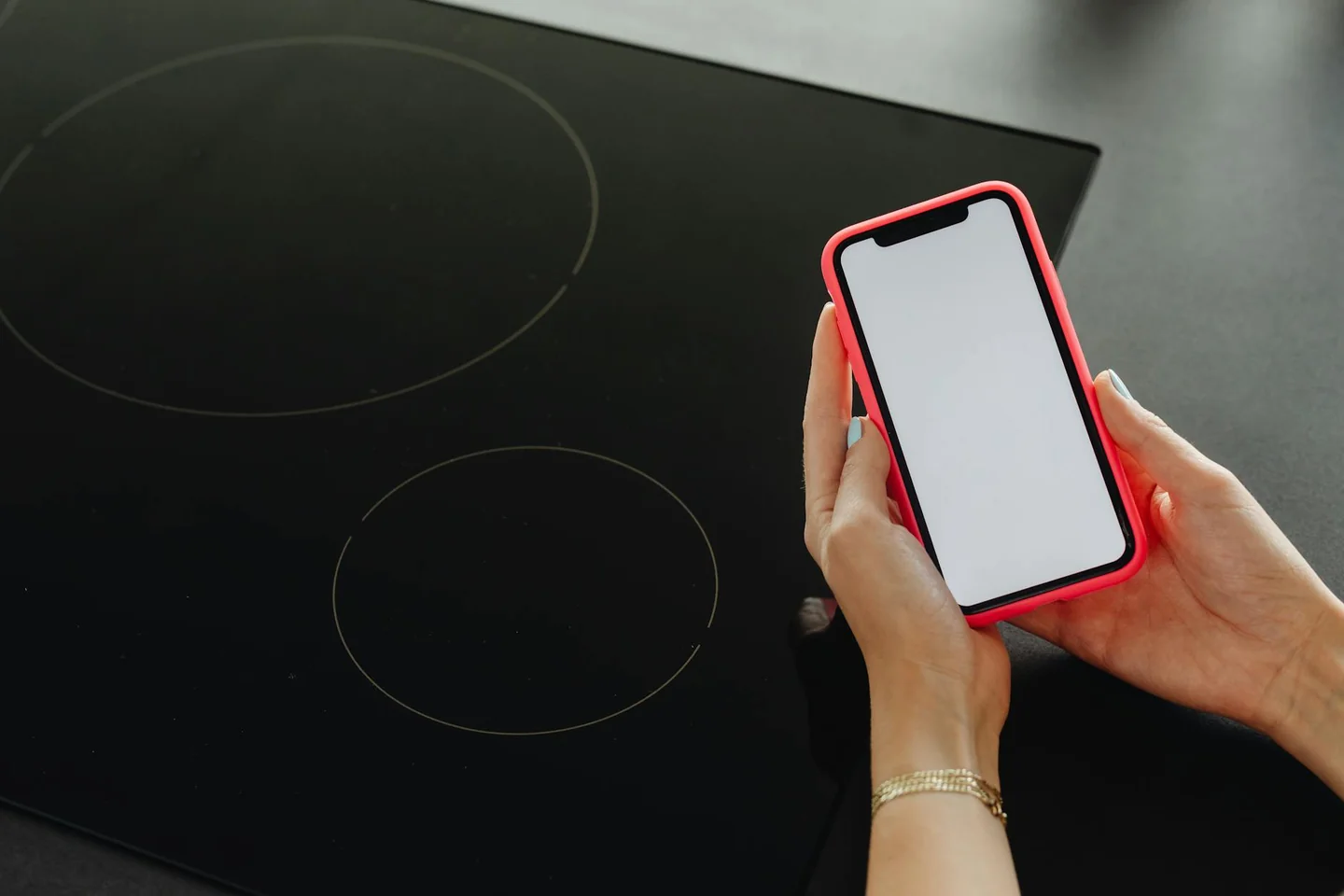
Understanding the lock signal and what it really means
Most incidents with an unresponsive induction hob are not due to a serious breakdown but to an active safety function. A key, padlock, fixed “L”, hand icon or a small illuminated symbol usually indicates that the electronics have protected themselves to avoid accidental changes. Reading that visual language calmly is the first step: a steady lock symbol with a confirmation beep typically means an intentional, reversible lock; intermittent response, flashing or random shutdowns are more likely signs of an electrical interruption, moisture on the glass, or a sensor fault.
Common lock types
Cleaning lock
The temporary cleaning lock is designed to let you wipe the surface without altering cooking. It usually lasts around 30 seconds and is recognised by a hand icon, a framed symbol or a brief activation signal. After the interval the hob returns to normal automatically. To exit earlier, touch the sensor indicated by the manufacturer. This mode protects current settings and prevents accidental power or timer changes while you clean.
Child lock
The child lock is a stable lock that often causes confusion when activated unintentionally. On many models you enable or disable it by holding the lock key for about 3–5 seconds. When active the panel becomes immobile even if the main button is pressed. Unlocking typically requires the same gesture, sometimes combined with the main power key or a short wait. Some hobs can be set to enable the child lock automatically after switch-off; that is a parameter in the appliance settings, not necessarily a fault.
Automatic safety shutoff
More advanced hobs include an automatic safety shutoff that cuts power if a zone is left unchanged for too long, no pan is detected, or abnormal conditions are sensed. This is a preventive cut, not a punitive lock; recovery often occurs by selecting the zone or touching any symbol, or after a brief reset.
How to unlock safely (practical steps)
Unlocking normally follows a short, confirmed sequence. Use the panel itself as the reference and avoid forceful or improvised actions.
- Identify the symbol shown on the display (key, padlock, L, hand).
- Press and hold the corresponding icon for about 3–5 seconds (or follow the exact combination indicated on your hob).
- Wait for a confirmation beep or the lock light to go out. If successful, the panel should accept commands again.
- For a cleaning lock, either wait the programmed ~30 seconds or touch the indicated key to return immediately to normal operation.
- If the panel remains frozen, perform a brief power reset by switching off the circuit breaker or removing mains power for a few minutes, then reconnecting.
Modern touch panels tolerate improvisation poorly: pressing several keys at once, insisting too hard, or covering the sensor with a damp cloth can produce erratic readings. Precision and a dry surface are more effective than force.
Check the environment before forcing the panel
Many perceived locks are caused by environmental factors. A single drop of water, steam, grease or detergent residue on the glass can be read as a continuous press or invalidate touch detection. Dry the control area and your hands, wait a moment, then try again. Also verify the power supply: brief outages, tripped breakers or voltage fluctuations can leave the hob in a preventive lock state that a simple power disconnect and reconnect will clear.
Distinguishing a lock from a technical fault
Knowing the difference avoids unnecessary handling. Signs that point to a normal lock:
- A clear lock icon (key, padlock, L) and active display lights or confirmation beeps.
- Stable behaviour: lock appears and disappears following the expected gesture or timeout.
Signs that suggest a fault:
- Strange error codes, persistent flashing, incoherent messages or zones disappearing.
- Intermittent pan detection or inconsistent responses (works one day, fails the next) that do not match the predictable behaviour of child or cleaning locks.
- One corner or a specific area always misbehaving, suggesting wear, internal dirt or a damaged sensor.
When the symptom is erratic or repeats despite correct unlocking attempts, contact technical support: the issue may involve the capacitive sensor, wiring, or the control electronics.
Variations between models and manufacturers
There is no single universal method because manufacturers arrange sensors and gestures differently. Common variations include:
- Different hold durations (typically 3–5 seconds).
- Specific key combinations (for example, pressing plus and minus together on some panels).
- Lock icons integrated with the main power key or separated as a dedicated symbol.
Advanced hobs with flexible zones or automatic power management add extra on-screen alerts; a small symbol can mean more than it appears, so consult the manual or the panel logic if unsure.
Persistent or frequent locking — causes and remedies
Repeated, inexplicable locking deserves attention. Possible causes include an overly sensitive sensor, moisture ingress, internal dirt under the glass, a failing touch keypad, or faults on the electronic board. Frequency and location are diagnostic clues: if the lock always appears in the same area, suspect that part of the glass or its underlying electronics. What to do:
- Clean and dry the entire control area thoroughly (use a soft cloth; avoid abrasives).
- Check for ventilation/overheating issues after heavy use—some hobs restrict controls until temperatures fall.
- Perform a controlled power reset (breaker off for a few minutes) to clear temporary freeze states.
- If problems persist, arrange a professional diagnosis—replacing parts or repairing the control board may be required.
Quick troubleshooting checklist
- Read the panel symbol and try the manufacturer-recommended hold or key combination (3–5 seconds).
- Dry the control area and your hands; wipe away steam, grease or detergent residue.
- Wait for cleaning-lock timeout (~30 seconds) or press the indicated key to exit earlier.
- If still unresponsive, switch off power at the breaker for a few minutes and reconnect.
- If error codes, flashing or erratic zone behaviour appear, consult the error code reference or contact technical support.
If you have a problem with your induction hob, you can use our free error code finder to identify and solve error messages easily and effectively. When in doubt between a normal safety lock and a technical fault, prioritise safe shutdown and professional diagnosis rather than repeated forceful attempts.
Este artículo contiene enlaces de afiliado: si compras a través de ellos, se genera una pequeña comisión sin coste adicional para ti. Más información.


Balay washing machine E80 error: meaning and what to do

E80 Error in Balay Ovens: Safe Causes and Solutions

E63 error on a Balay dryer: causes and safe solutions
E63 error on a Balay washing machine: causes and safe fixes

Balay washing machine E61 error: meaning and what to do

E61 error on a Balay washing machine: meaning and action

E6 PUNP error on a Balay washing machine: meaning and next steps

E56 error on Balay dryer: causes and safe solutions

E56 error on Balay washing machines: meaning and safe solutions

E50 error on Balay dryers: causes and safe solution

 Kitchen plate6 days ago
E Error on Balay Series 900 Hob: Causes and Solutions
- Dishwasher6 days ago
E25 error in Balay dishwasher: causes and solutions
- Balay7 days ago
E16 Error on a Balay Washing Machine: Causes and Safe Fixes
- Kitchen plate6 days ago
Balay induction hob E error: causes and solutions
- Balay5 days ago
E05-32 error on a Balay oven: causes and safe solution
- Washing machine5 days ago
Hotpoint washing machine F09 error: what it means and what to do
- Balay6 days ago
E21 error in Balay dishwashers: causes and solutions
- Balay4 days ago
E09 error in Balay dishwasher: causes and safe solution
- Balay6 days ago
Error E on a Balay hob: what it means and what to do
- Balay6 days ago
Balay washing machine E18 error: causes and safe fix
- Balay6 days ago
E61 error on a Balay washing machine: causes and safe fix
- Dishwasher4 days ago
E15 error on Balay dishwasher: do not tilt it










