
Connect with us
Find clear guides for Whirlpool error codes, common faults, and step-by-step fixes for washers, fridges, ovens, and more. Quickly understand what each warning means and what to do next to get your appliance working again.
The code indicates a fault in the humidity sensor and requires checking wiring, contacts, and possible replacement.
The dryer indicates blocked airflow. Filters, ducts, and the exterior vent are the key areas to check.
The fault points to a loss of connection with the WiFi module and can be resolved with basic checks or technical review.
A communication failure between boards can block drying. This identifies the source and what to check first.
An internal communication failure can block startup, distort the display, and require inspection of circuit boards and wiring.
The screen indicates a fault with the touch button panel, and it is advisable to distinguish between dirt, wiring, and a damaged panel.
Detects the interface fault, checks wiring and board, and knows when a restart is enough or when a technician is needed.
The display indicates an internal controller fault. What causes it and when it is advisable to request technical support.
The dryer shows PF after a power outage: what it indicates, how to reset it, and what to check at home.
Five manufacturers stand out for durability, few breakdowns, and technical support, with clear tips for buying better.
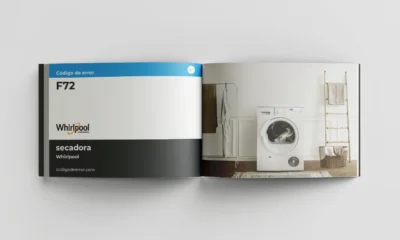

The notice usually indicates a communication fault in the interface. Here is an explanation of what to check and when to ask for help.


Door lock, reset, and latch failures: this is how this warning is interpreted and corrected on Whirlpool.